Range Midline
A single line halfway between the highest high and the lowest low of the lookback window.
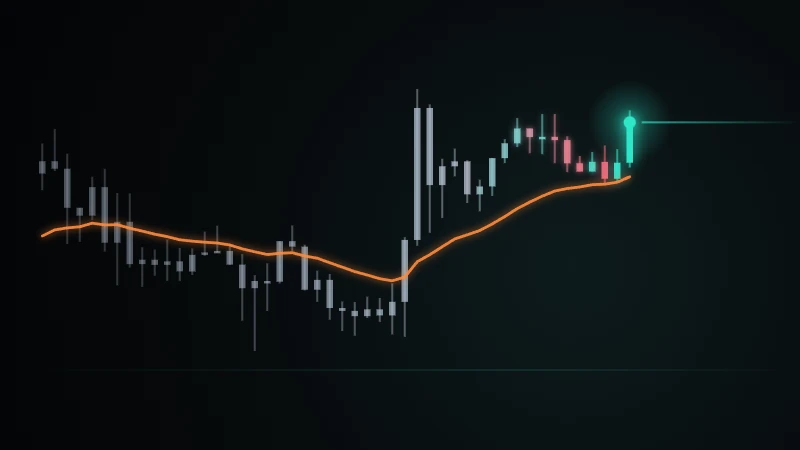
Range Midline splits the recent trading range in two with a single line, so that one look shows whether price is trading in the upper or the lower half of where it has been.
How it works
The line is the midpoint between the highest high and the lowest low of the last 50 bars. It does not follow every close: it moves only when a new high or low enters the 50-bar window, or when an old extreme drops out of it.
This makes it a step line rather than a smooth average. A long flat stretch means that the range has held; a step up or down means that the range itself has shifted. On BTCUSDT 4h the line stayed flat for as long as 40 bars in a row over the last 1,000 bars.
Reading the chart
Hover over the first item below to see the line on the chart.
- Blue line: the midpoint of the 50-bar range.
- Closes above the line are in the upper half of the recent range; closes below it are in the lower half.
- When price keeps returning to a flat line, it is moving inside an unchanged range.
Settings
- Lookback
- 50
- The number of bars searched for the highest high and the lowest low. A longer lookback gives a steadier line that changes less often.
Limits and points to note
- The midline shows where price sits within its range, not where it is heading. In a strong trend, price can stay on one side of the line for a long time.
- A single spike sets the high or the low for the next 50 bars and pulls the midline with it until it drops out of the window.
- The line describes where price has traded. On its own it is not a support or resistance level.
Range Midline son işlem aralığını tek bir çizgiyle ikiye böler; böylece tek bakışta fiyatın son aralığının üst yarısında mı, alt yarısında mı işlem gördüğü anlaşılır.
Nasıl çalışır
Çizgi, son 50 barın en yüksek tepesi ile en düşük dibinin tam ortasıdır. Her kapanışı izlemez: yalnız 50 barlık pencereye yeni bir tepe ya da dip girdiğinde veya eski bir uç değer pencereden çıktığında yer değiştirir.
Bu yüzden düzgün bir ortalama değil, basamaklı bir çizgidir. Uzun düz bir bölüm aralığın korunduğunu, yukarı ya da aşağı bir basamak aralığın kendisinin kaydığını gösterir. BTCUSDT 4 saatlikte son 1.000 barda çizgi en uzun 40 bar boyunca hiç değişmedi.
Grafiği okuma
Aşağıdaki ilk maddenin üzerine geldiğinizde çizgi grafikte öne çıkar.
- Mavi çizgi: 50 barlık aralığın orta noktası.
- Çizginin üstündeki kapanışlar son aralığın üst yarısında, altındakiler alt yarısındadır.
- Fiyat düz bir çizgiye tekrar tekrar dönüyorsa, değişmeyen bir aralığın içinde hareket ediyordur.
Ayarlar
- Lookback
- 50
- En yüksek tepenin ve en düşük dibin arandığı bar sayısı. Daha uzun bir pencere, daha seyrek değişen daha durağan bir çizgi verir.
Sınırlar ve dikkat edilecekler
- Orta çizgi fiyatın aralık içindeki yerini gösterir, yönünü göstermez. Güçlü bir trendde fiyat uzun süre çizginin aynı tarafında kalabilir.
- Tek bir sıçrama sonraki 50 barın tepesini ya da dibini belirler ve pencereden çıkana kadar orta çizgiyi de kendine çeker.
- Çizgi fiyatın nerede işlem gördüğünü anlatır; tek başına bir destek ya da direnç seviyesi değildir.
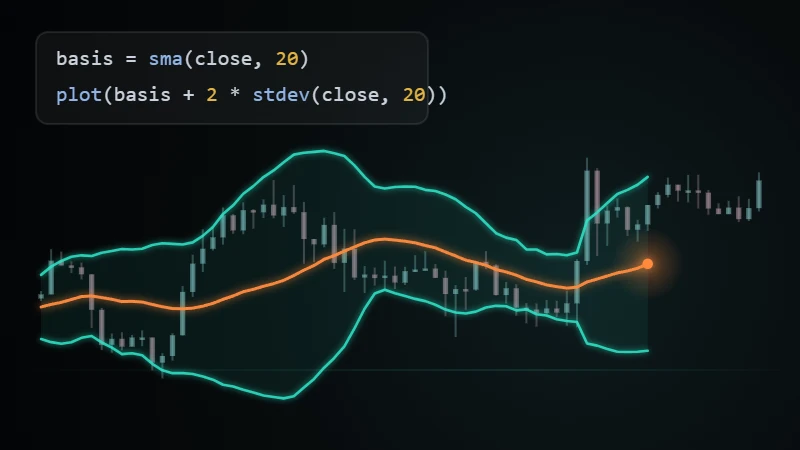
indicator("Range Midline", overlay = true)n = input.int(50, "Lookback")mid = (highest(high, n) + lowest(low, n)) / 2plot(mid, "Midline")
indicator("Range Midline", overlay = true)n = input.int(50, "Lookback")mid = (highest(high, n) + lowest(low, n)) / 2plot(mid, "Midline")
Sürüm 119 Eki 2026Son sürüm
İlk yayın
Bu göstergeyle ilgili henüz bir gönderi bulunmuyor. Bu gösterge hakkındaki ilk gönderiyi siz yazabilirsiniz.